
⚡
Service overview
What is the service?
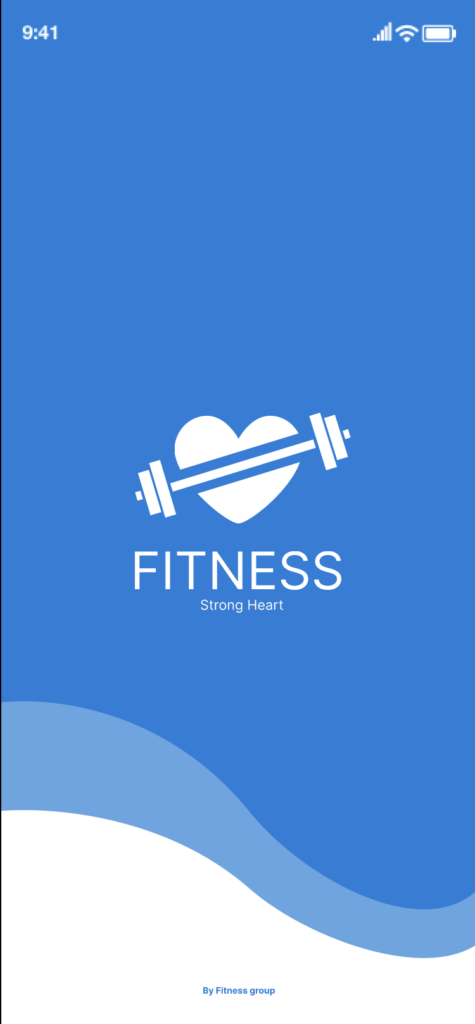
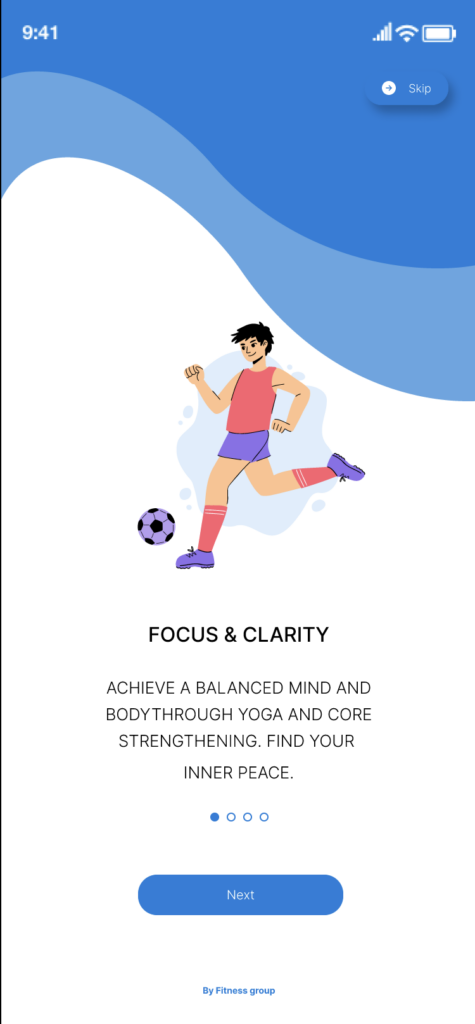
We design attractive, easy-to-use interfaces for apps and websites. The process begins with understanding users and their journey, and ends with a final design ready to hand off to developers.
The difference between the two disciplines
User experience (UX): How users navigate a product and whether they can reach their goals easily.
User interface (UI): The visual appearance—colors, fonts, buttons, icons, and screen layouts.
Work process
1. Discovery session
We learn about your project idea and goals, target audience, and competitors.
2. User research and analysis
We identify user needs and map the user journey and usage scenarios.
3. Information architecture (User Flow & Sitemap)
We arrange pages and flows in a clear, logical way.
4. Wireframes
Preliminary black-and-white layouts that show where each element will appear on screen, so we can agree on the concept before designing.
5. Visual design (UI Design)
We apply colors, fonts, icons, and imagery in line with your project’s identity.
6. Interactive prototype
A testable model that simulates how the app or website will work before development.
7. Revisions and handoff
We make changes based on your feedback, then deliver organized files ready for implementation.
What you’ll receive
Designs for all agreed-upon screens (mobile, web, or both)
A responsive version suited to different screen sizes
An interactive prototype for testing and presentation
A Design System with colors, fonts, buttons, and components
Organized, editable Figma files
Developer-ready handoff files with dimensions and assets
Full Arabic (RTL) support, if needed
Types of projects we design
Mobile apps (iOS / Android)
Company websites and landing pages
E-commerce stores
Dashboards
Education, booking, and service platforms
Delivery apps, digital wallets, and financial services
We design attractive, easy-to-use interfaces for apps and websites. The process begins with understanding users and their journey, and ends with a final design ready to hand off to developers.
The difference between the two disciplines
User experience (UX): How users navigate a product and whether they can reach their goals easily.
User interface (UI): The visual appearance—colors, fonts, buttons, icons, and screen layouts.
Work process
1. Discovery session
We learn about your project idea and goals, target audience, and competitors.
2. User research and analysis
We identify user needs and map the user journey and usage scenarios.
3. Information architecture (User Flow & Sitemap)
We arrange pages and flows in a clear, logical way.
4. Wireframes
Preliminary black-and-white layouts that show where each element will appear on screen, so we can agree on the concept before designing.
5. Visual design (UI Design)
We apply colors, fonts, icons, and imagery in line with your project’s identity.
6. Interactive prototype
A testable model that simulates how the app or website will work before development.
7. Revisions and handoff
We make changes based on your feedback, then deliver organized files ready for implementation.
What you’ll receive
Designs for all agreed-upon screens (mobile, web, or both)
A responsive version suited to different screen sizes
An interactive prototype for testing and presentation
A Design System with colors, fonts, buttons, and components
Organized, editable Figma files
Developer-ready handoff files with dimensions and assets
Full Arabic (RTL) support, if needed
Types of projects we design
Mobile apps (iOS / Android)
Company websites and landing pages
E-commerce stores
Dashboards
Education, booking, and service platforms
Delivery apps, digital wallets, and financial services
🖼️
Pictures
⭐
Reviews
Please sign in as a customer to give your feedback
💬
No reviews yet.
Be the first to share your experience with this professional.